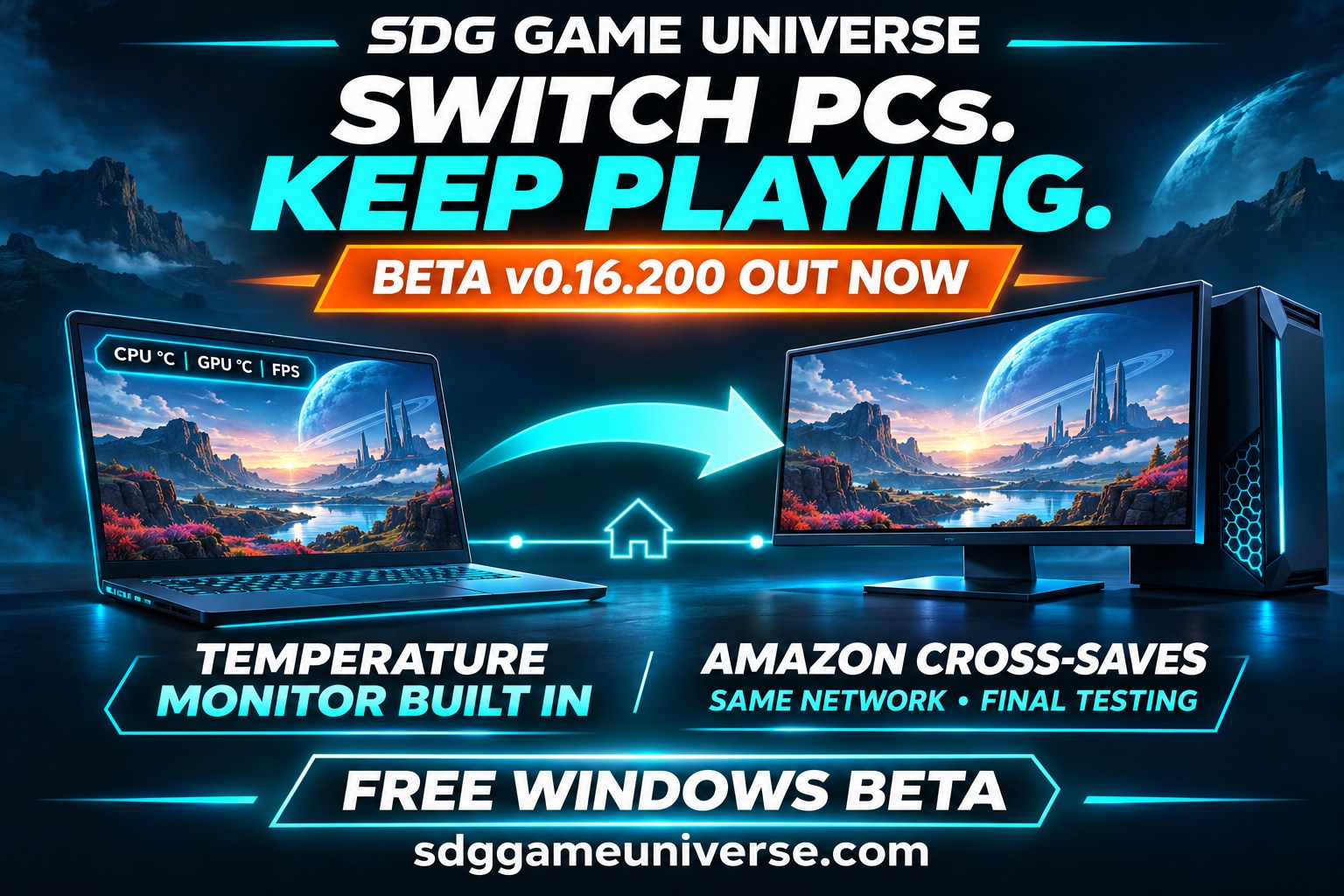
The built-in Game Bar is here, and Amazon Games cross-saves between PCs on the same private local network are nearing completion. Install v0.16.200 on every linked PC used for save sharing.
Built-in Game Bar: see CPU/GPU temperatures and game FPS. Enable Settings → Show Game Bar, then move, resize or collapse the overlay and choose your readings. It is optional and off by default; collapsing pauses monitoring, and disabling it or quitting SDG stops it.
Amazon cross-saves are getting close: saved-progress transfers between linked PCs on the same private local network are more reliable, with fixes for valid saves being rejected and downloads failing to complete. Two Amazon games have transferred progress successfully in owner testing; broader game-by-game testing is continuing.
Steam and Epic saves are opt-in per game: choose Enable SDG saves in each game’s menu on every participating PC. Unset choices default off. Normal Play and launcher cloud-save settings are unchanged; Amazon and emulator save behaviour stays as before.
More control over SDG copies:Delete SDG saved copies previews and removes verified SDG copies for the selected Steam, Epic or Amazon game on this PC. Actual in-game progress, cloud saves, ROMs, emulator states and copies on other PCs are preserved. SDG saves stay paused for that game here until enabled again.
Installer and save reliability: fixed a fresh-install failure, improved save monitoring, and added a clearer Waiting for a local save status.
Game Bar sensors: temperature readings depend on supported hardware and sensor access. CPU readings require the PawnIO sensor driver to be present; the integrated option does not install drivers or services. Windows may ask for administrator permission for the Game Bar while SDG itself stays unelevated. Exclusive-fullscreen games may hide the overlay.
Collect a save later: the main-PC save server retains completed copies. It must receive the copy before the original gaming PC goes offline and stay running to supply it to another PC. Already-downloaded copies remain available offline.
Still a beta: Amazon cross-saves are nearing completion, with final game-by-game testing underway. Epic, GOG and Amazon save compatibility remains in development; complete support for every title is not promised.
PC backups restore progress the game writes to supported local save files. They are not universal exact-moment emulator save states, and online-only save formats may be unavailable.
SDG Game Universe v0.16.200 · Windows x64 · 2.09 GB
Beta testing release. Features may change and bugs remain. The installer is currently unsigned, so Windows may display an unknown-publisher warning.
1. Already using SDG? Choose Settings → Quit SDG before upgrading. The window’s X may leave it running on the taskbar.
2. Click Download Windows beta v0.16.200 below and run the downloaded Setup .exe.
3. Run Setup to upgrade; no uninstall or reset is needed. Install this version on every linked PC. Enable SDG saves for your chosen Steam/Epic games on each PC.
If you find a problem, export debug information and include the game, store or emulator, PC and what you expected to happen. Send feedback.
Steam Deck — Coming Soon
Steam Deck support is being prepared and will be added here when it is ready.
Coming soon. There is no Steam Deck download available yet.
Games are not included. SDG Game Universe does not distribute ROMs, commercial game data, store clients, account data, Nintendo keys or firmware. Updates are designed to preserve local configuration, emulator settings, saves, backups, artwork choices and your ROM library.
Free standalone Windows app
SDG Game Bar — standalone
CPU temperature, GPU temperature and game FPS in a compact, movable overlay. Choose the readings you want, pick a size and keep your game in view.
Show or hide individual readings and choose Small, Medium or Large.
Collapse or expand with Ctrl + Shift + F10, or set your own shortcut.
Hidden readings stop monitoring; collapsing the bar pauses all readings.
Works best with borderless fullscreen or windowed games. Temperature readings depend on your hardware and drivers. FPS measures the foreground game’s application frames and may differ from frame-generation counters.
Run the installer, approve the administrator prompt and follow setup. The app runtime and optional PawnIO CPU sensor driver are included. Review PawnIO’s terms if installing its driver.
Open SDG Game Bar from the desktop or Start menu. Drag to move it; right-click for readings, size, shortcut and Exit.
Administrator access is required for setup and CPU sensors. This installer is unsigned, so Windows may show an unknown-publisher or reputation warning.
Earlier beta video
Windows beta v0.16.190 — release update
This v0.16.190 video covers an earlier beta. See the v0.16.200 notes above for the built-in Game Bar and latest save-transfer improvements.
Current beta testing: Amazon cross-saves are nearing completion, with further game-by-game testing underway. Epic and GOG save compatibility also remains in development. PC backups restore progress written by the game; universal exact-moment PC save states are not supported.